This month we launched:
- Bill Pay Automation: AI reads your bills, fills in the details automatically, and remembers past recipients — so you can approve and pay in seconds
- Team Spend Controls: Set per-card limits, approval rules, and category restrictions to keep team spending on track
- QuickBooks Integration: Sync transactions and categorizations directly into QuickBooks
- Xero Integration: Reconcile balances and push spend data straight into Xero
- NetSuite Integration: Connect NetSuite to keep your general ledger continuously up to date
- iPad App: Lyra is now available on iPad as part of our expanded mobile rollout
Bill Pay Automation
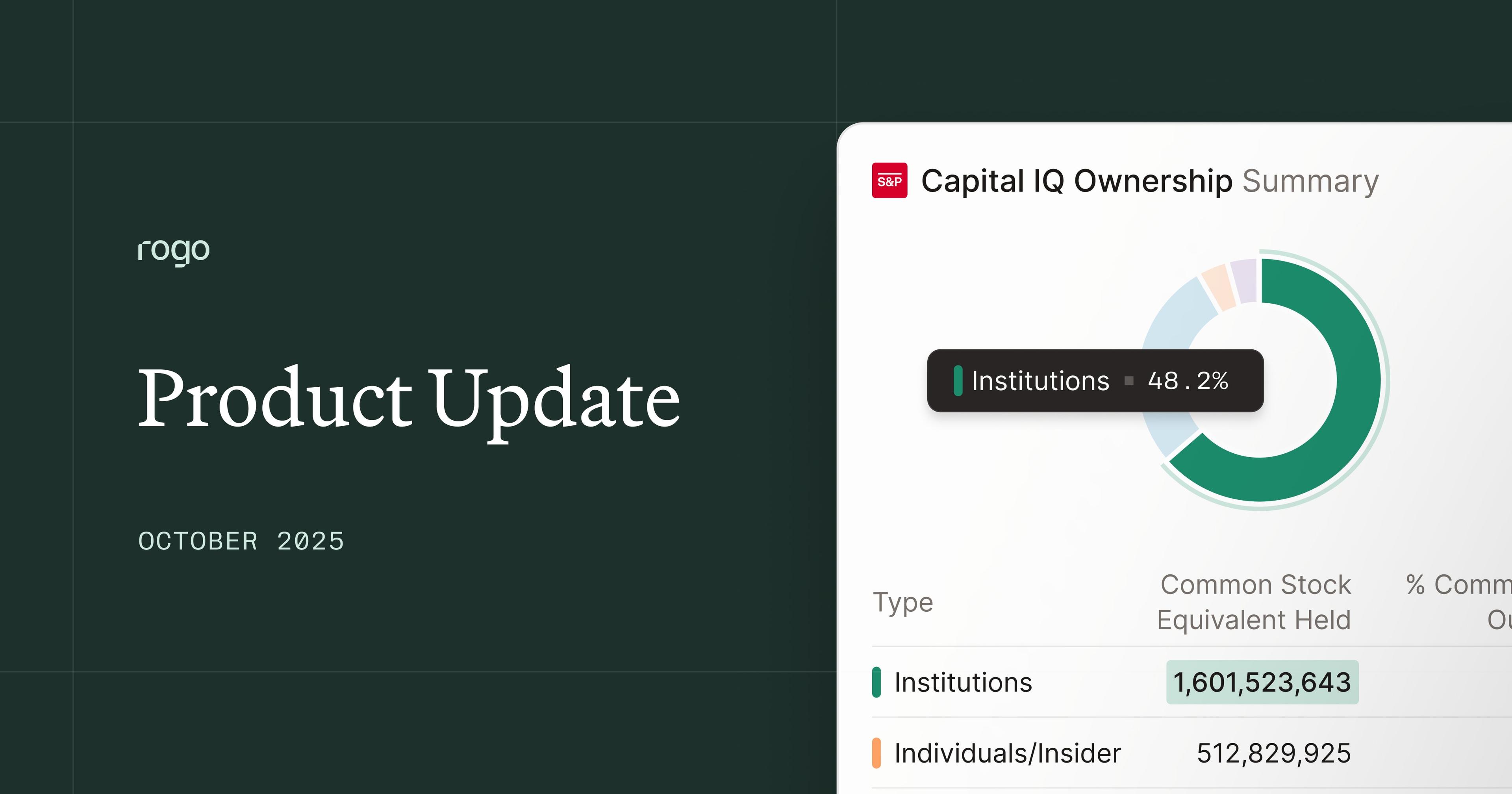
Bill Pay turns accounts payable into a few clicks. Upload or forward a bill and Lyra reads it automatically — pulling amounts, due dates, and recipient details, and remembering vendors you've paid before.
Whether you're paying a single contractor or running a full payables cycle, every payment is logged with a clear, auditable trail you can reconcile directly against your accounts.
Team Spend Controls
Issue cards for any purpose — ad spend, contractors, software — and keep every dollar in view. Set spend limits, approval workflows, and category restrictions per card or per team.
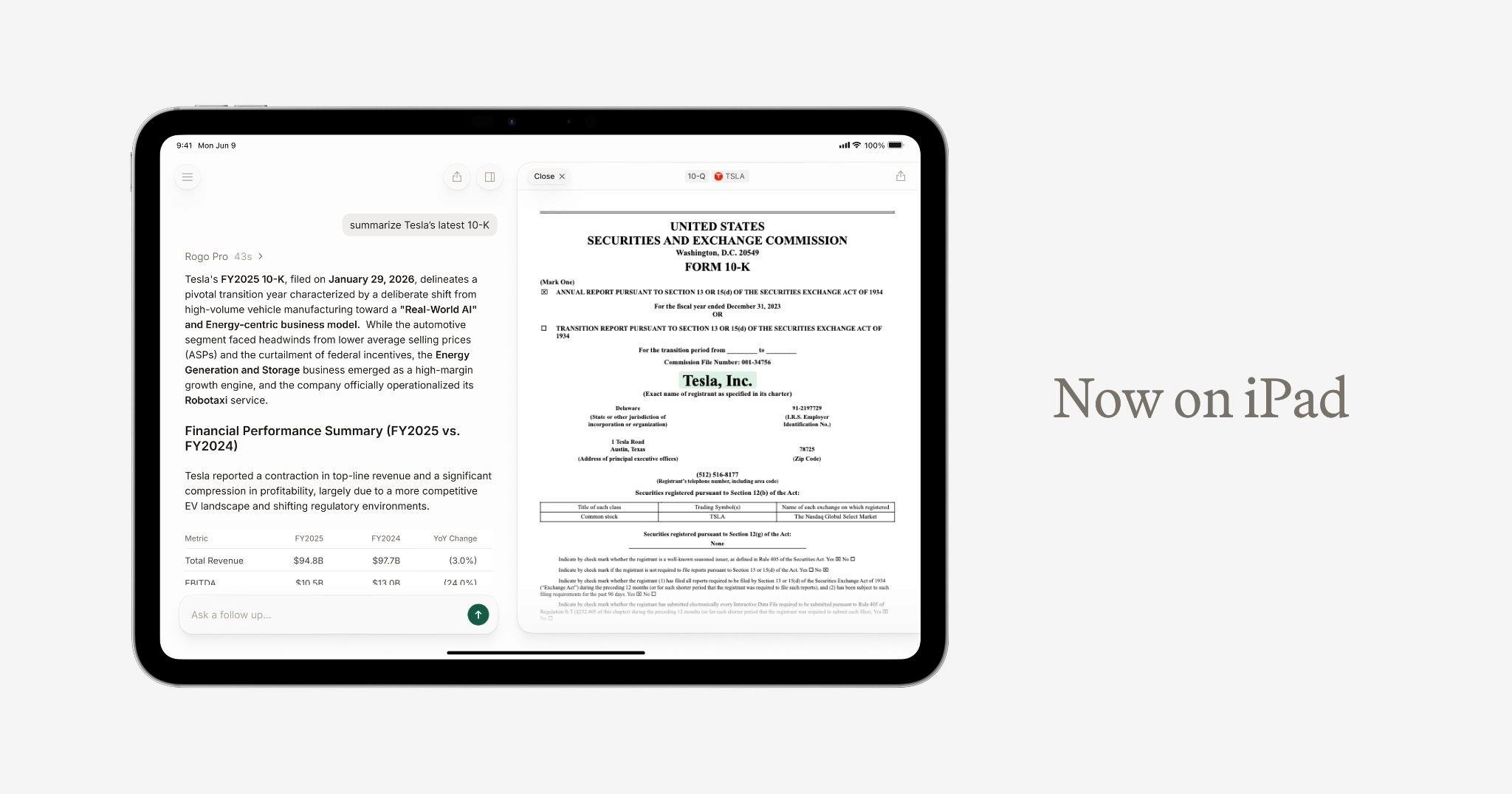
Now you can securely share visibility across your finance team, so everyone works from the same balances, transactions, and approvals in one place without losing context.
Additional Integrations

Lyra continues to expand its set of secure accounting and operations connectors across QuickBooks, Xero, and NetSuite.
These integrations sync transactions, categorizations, and receipts directly into your books, so your finance team always works with the full picture in one place without breaking workflow.
iPad App
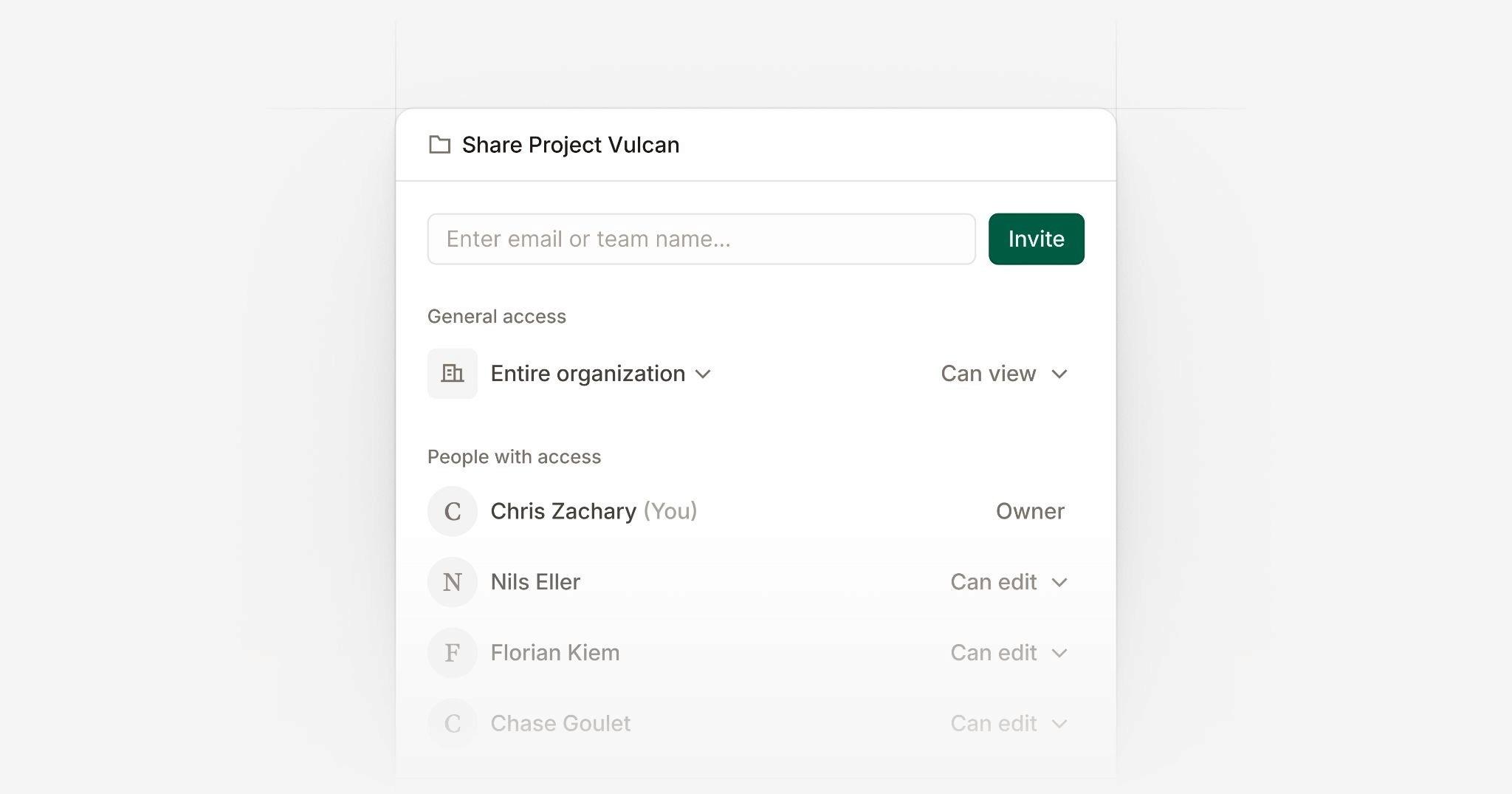
Lyra is now available on iPad as the next phase of our mobile rollout.
Designed for more flexible, on the go usage, the iPad app makes it easier to review transactions, approve payments, and stay on top of your accounts from anywhere.